Real Estate Photos with Your Smartphone: Pro Results Without a Camera
How to take real estate photos with iPhone or Android that look professionally shot.
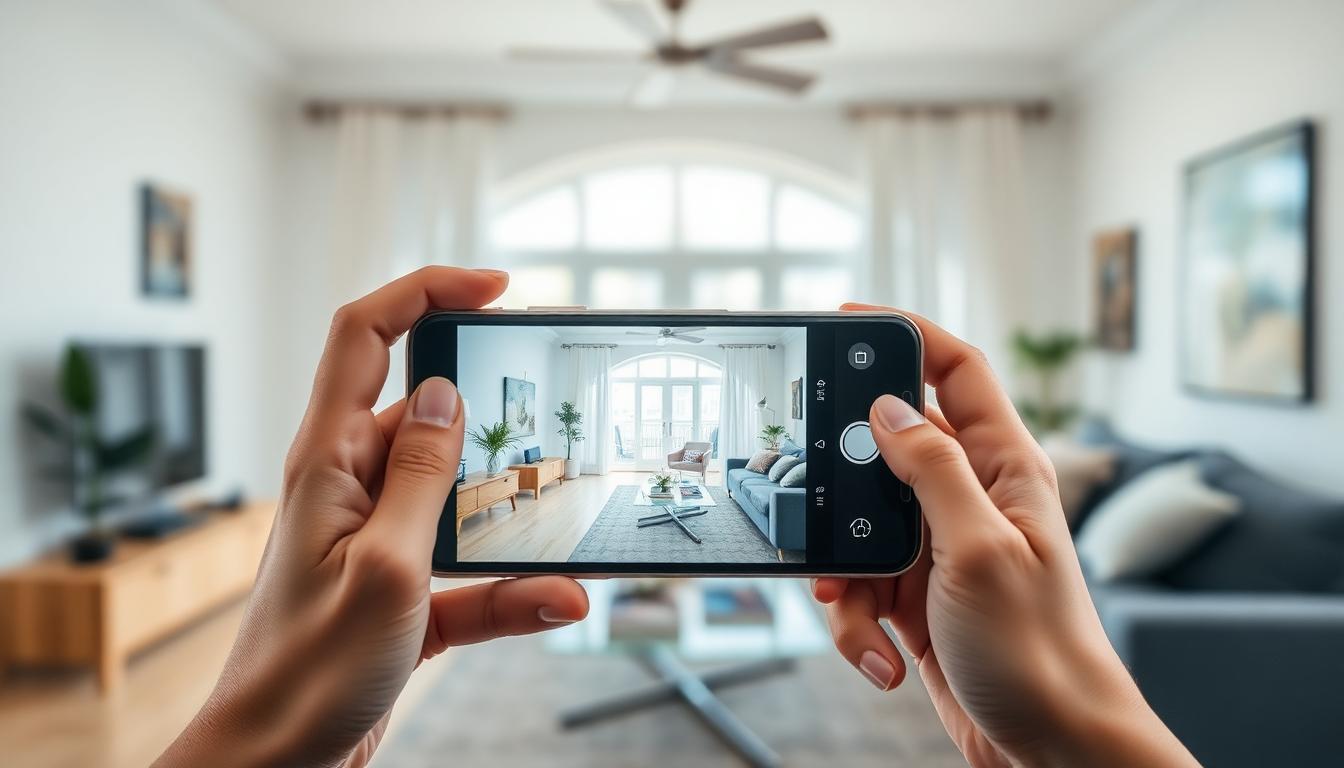
Your Smartphone as a Real Estate Camera
Modern smartphones have democratized real estate photography. An iPhone 15 Pro or Samsung Galaxy S24 Ultra delivers images that were only possible with $3,000 cameras five years ago.
The Right Settings
iPhone
- Use the 0.5x ultrawide lens
- Enable "Smart HDR" and "Photographic Styles"
- Turn on grid (Settings → Camera → Grid)
- Tap the brightest area and drag exposure slightly down
Android
- Switch to ultrawide lens
- Enable "Auto HDR"
- Use Pro mode for manual control
- Fix ISO at 100-200 for best quality
The 5 Rules
- Shoot horizontal – never vertical
- Keep camera level – use the built-in level
- Shoot from corners – shows maximum room depth
- Turn on all lights – creates warmth
- Declutter! – Remove personal items
AI Post-Processing
After shooting, enhance your images with FramePilot AI: adjust lighting, remove furniture, or virtually stage the room. Turn good smartphone photos into outstanding listing images.