DIY Virtual Staging: A Step-by-Step Guide for Listing Photos
DIY virtual staging lets you create staged listing images yourself. Follow this workflow to get realistic results and avoid common mistakes.
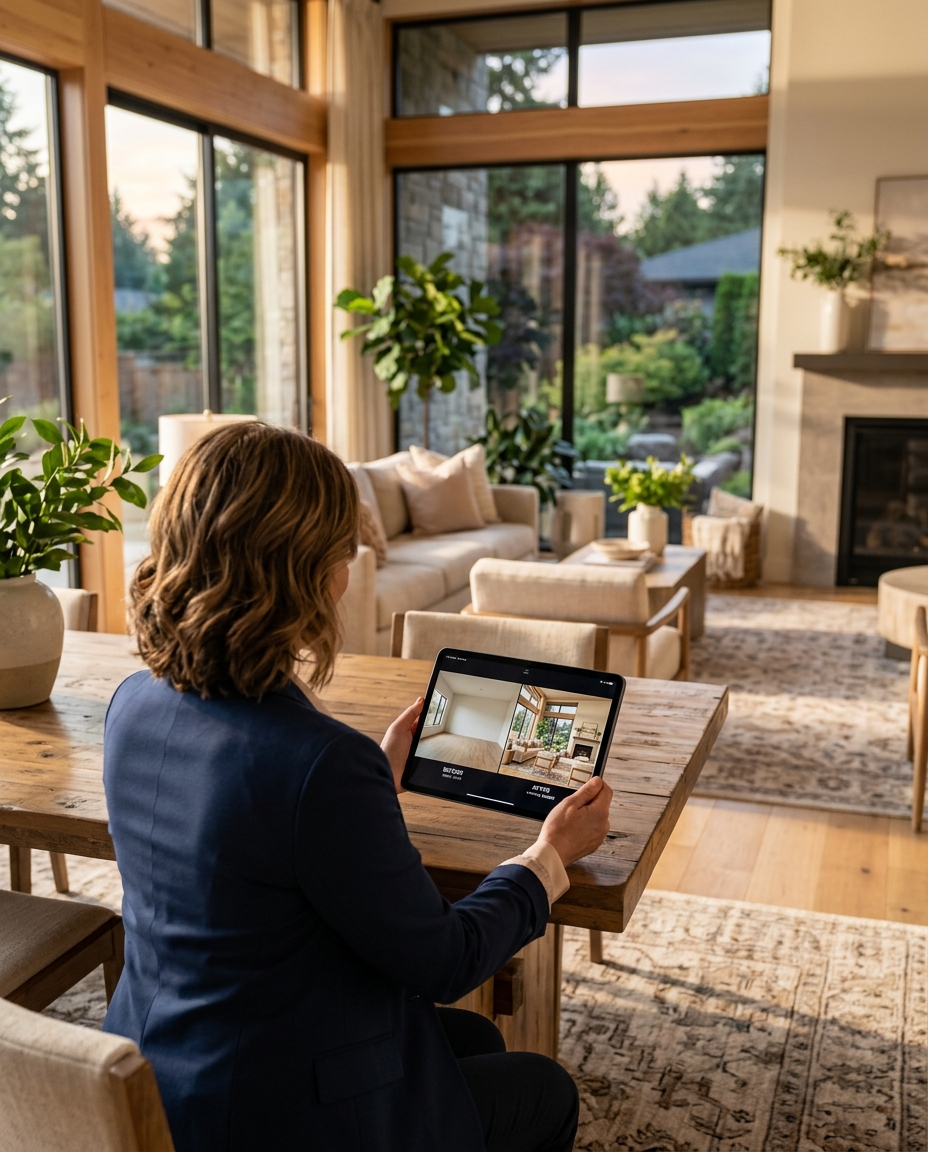
TL;DR: Good DIY virtual staging starts with the right photo. Choose a clear room image, keep the architecture unchanged, select one suitable style and check every result before you publish.
DIY virtual staging means using an online tool to stage property photos yourself instead of ordering a designer service. You stay in control of style, timing and which rooms you stage.
Step 1: Pick the right rooms
Start with rooms buyers notice first: living room, main bedroom, dining area and empty flexible spaces. Bathrooms and narrow hallways often add less value.
Step 2: Prepare the photo
- Use a straight, horizontal photo.
- Show the floor clearly.
- Avoid blurry, dark or heavily distorted images.
- Remove small clutter before shooting when you can.
Step 3: Remove old furniture if needed
If the room has dated furniture, remove it first. Placing new furniture on top of old pieces usually creates confusing results.
Step 4: Choose a style
| Property | Good starting style |
|---|---|
| City apartment | Modern or Scandinavian |
| Family home | Warm, practical modern |
| Premium property | Refined contemporary |
| Rental | Simple, neutral furniture |
With FramePilot AI, free accounts can use Modern; eligible paid subscriptions unlock the other styles.
Step 5: Review realism
- Are windows, doors, walls and floors unchanged?
- Does furniture sit on the floor naturally?
- Is the scale believable?
- Do shadows and lighting match?
Step 6: Publish responsibly
Label staged images when required by your market or listing platform, and keep the original photo available.
Common DIY mistakes
- Overfilling small rooms.
- Using a style that does not fit the property.
- Publishing before checking full resolution.
- Hiding defects instead of showing the room honestly.
A practical first-room brief
Write a short brief before generating anything: what is the room, who is the likely buyer or tenant, and what should the image help them understand? For an empty living room, the answer might be a comfortable seating area with a clear path from the door to the window. That is a better goal than filling every available corner with decorative objects.
Keep the brief about furniture and intended use, not a renovation. Do not ask the staging process to widen the room, replace the floor or remove a structural wall. If the property genuinely needs work, explain that separately in the listing. Staging is a visual furnishing concept, not evidence that a renovation has taken place.
- Room purpose: living, sleeping, dining or working.
- Visual priority: show a plausible layout, not a luxury makeover.
- Fixed features: doors, windows, finishes and walls remain intact.
- Review standard: realistic scale, clear circulation and consistent lighting.
Use the photo's geometry instead of fighting it
A wide-angle photograph can make objects near the camera look larger than those in the distance. When you inspect the output, check whether the new furniture follows that perspective. A distant chair should not appear larger than a nearby sofa unless the viewpoint explains it. Table edges and bed frames should align naturally with the room's visible angles.
Do not crop away an important doorway simply to hide an awkward result. A photo that no longer shows how the room connects to the rest of the property is less useful to a buyer. If your source photograph is poor, taking a better source image may save more time than repeated generations.
Keep a record of your attempts
For a small listing, keep a simple record of the source filename, chosen style, accepted result and any reason for rejection. This helps you understand whether a repeated issue comes from the input photograph or the visual choices. It also prevents mixing an older result with a newer listing photo.
Review one room completely before processing all remaining photographs. If you discover that your preferred style makes the property feel too crowded, change the approach early. Once you have a reliable standard, apply it to the other rooms without assuming every photograph will behave identically.
| Review stage | Check | Action if it fails |
|---|---|---|
| Architecture | Original windows, doors, floors and walls | Reject and try a new result |
| Furniture | Scale, support, clearance and perspective | Choose a simpler layout or another attempt |
| Presentation | Resolution, label and watermark | Check export and plan options before publishing |
Know the limits of doing it yourself
DIY gives you control of the process, but it also makes you responsible for review. It does not establish the property's dimensions, validate a building's condition or replace advice from your broker about advertising rules. A convincing image is still a visual concept. Buyers should understand what is physically present and what was added digitally.
For multiple viewpoints, do not assume separate generations will keep the same furniture in the same position. Compare the accepted results together. If one angle shows a different sofa or layout, do not present the set as one consistent furnished room. FramePilot offers multi-angle staging through eligible subscription access, but the final images still deserve a human check.
Free testing and clean downloads
FramePilot's free account is limited to the Modern style. The account's first-ever image download can be clean without payment; later free images carry a watermark. That one-time clean download does not reset with a new month. Clean downloads beyond it require a paid subscription or purchased credits. Free reward credits do not remove the watermark.
Buying credits is an option for occasional work, not an automatic unlock of subscription-only styles or multi-angle features. Check the current plan options if those controls matter to your workflow. For a cost comparison, read our cheap virtual staging guide.
Further reading
Styldod's DIY virtual staging guide describes the category as staging photos yourself with online tools or software. Use that definition as a starting point, then judge your own images. This article is a practical workflow, not a claim that DIY always costs less or that we have independently tested every competing tool.
FAQ
Can I do virtual staging myself?
Yes. Upload a room photo, choose a style and review the generated result.
What photo works best?
A bright, straight wide-angle photo with a visible floor works best.
Does DIY virtual staging change the room?
It should not. Reject results that alter walls, windows, doors or floors.
Next step
Start with one empty living room and compare the original with the staged image. Try FramePilot AI.